Digital signage, simplified

Create, Manage & Control Your Digital Signage — All in One Place

Build a playlist once, schedule it, and publish it to every screen — whatever its shape — from one place. Design, schedule and monitor, all from one console.
  • Templates & AI design
  • Canva connected
  • Playlists & schedules
  • Broadcast & live status
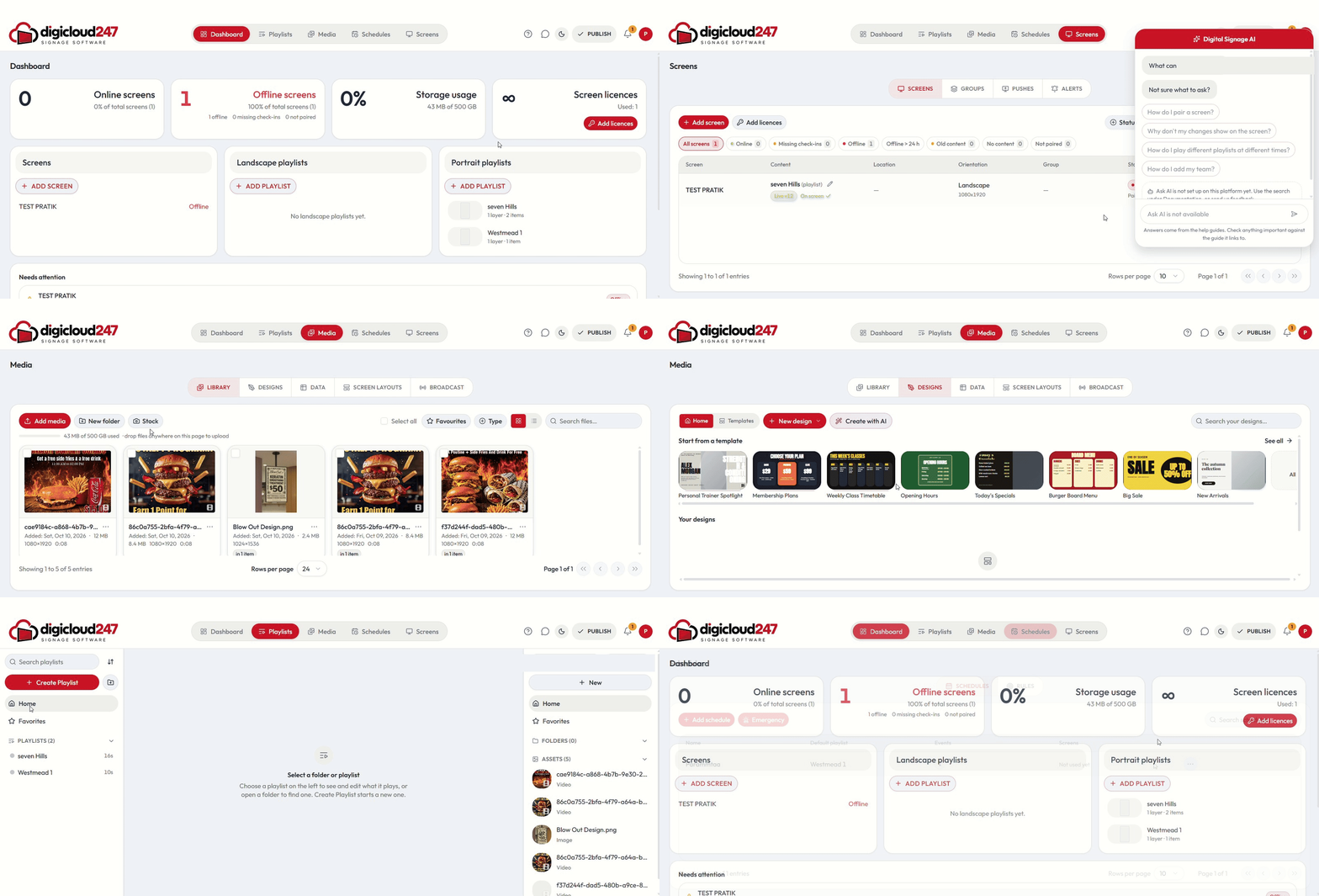
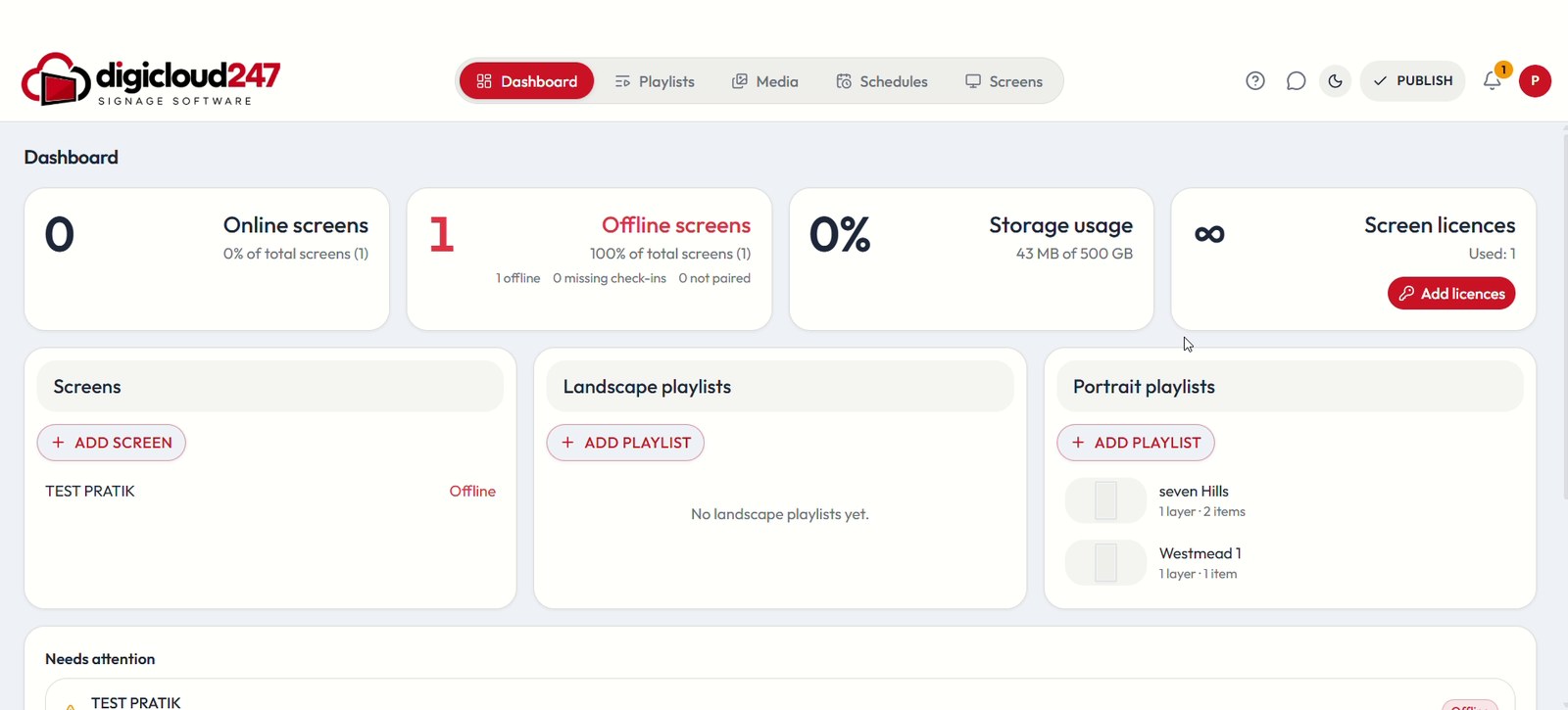
DigiCloud247 · Dashboard
DigiCloud247 dashboard showing online and offline screens, storage usage, screen licences, playlists and screens that need attention
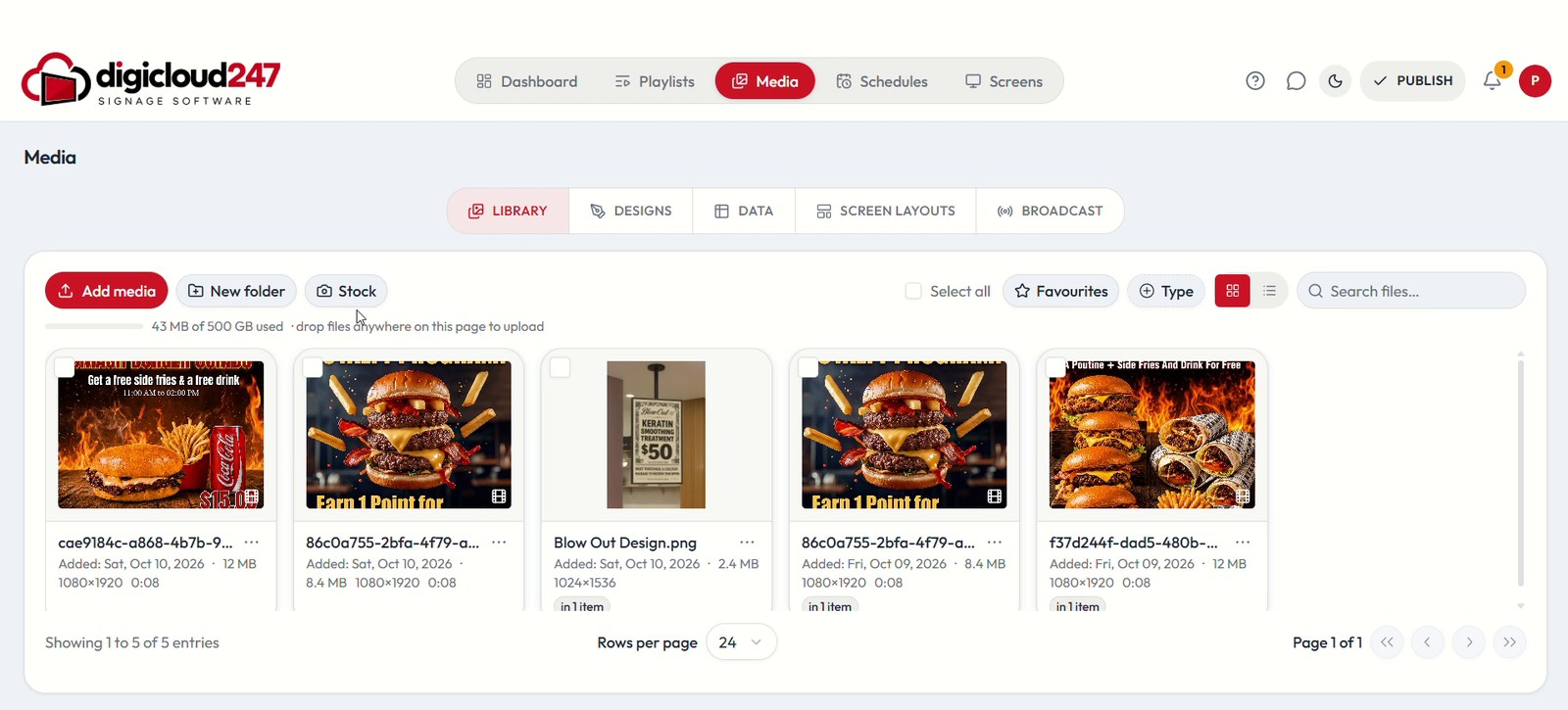
DigiCloud247 · Media library
DigiCloud247 media library with uploaded images and videos, folders, favourites and stock
  • Media library
  • Templates
  • Create with AI
  • Canva
  • Playlists
  • Schedules
  • Screens
  • Broadcast
DigiCloud247: dashboard, screens, media, designs, playlists and schedules
Manage Every Screen

One Platform. Every Screen.
Complete Control.

Smart signage software to control, schedule and monitor every digital display from one simple platform.

Live Screen StatusRemote Content Updates

Content

Upload, design and organise images, videos and playlists in one library.

Schedule

Plan campaigns by day, hour and location, then publish automatically.

Control

Update content remotely and watch every screen’s status.

Manage Every Screen

One Dashboard. Every Display.

Control, monitor and update every digital screen from one centralized platform — wherever your displays are located.

DigiCloud247 · Network 6/6 screens online
Sydney Retail StoreCampaign: Summer PromotionUpdated: Just now
Online
Melbourne Office ReceptionCampaign: Welcome ScreenUpdated: 2 min ago
Online
Brisbane Warehouse FloorCampaign: Shift UpdateUpdated: 5 min ago
Online
Screen preview
SUMMER SALEUp to 40% offNew season styles
Campaign
Summer Promotion
Updated
Just now
Device
Connected
Resolution
1920 × 1080
Set contentGroupPublish
SUMMER SALEUp to 40% offNew season styles
Retail StoreConnectingOnline
ANNOUNCEMENTAll-hands meeting

4:00 PM · Conference Hall A

Corporate OfficeConnectingOnline
Today’s Menu
  • Chicken Wrap$12
  • Burger Combo$14
  • Iced Coffee$6
RestaurantConnectingOnline
LINE 3 · SHIFT ASafety first

Output 87%

FactoryConnectingOnline
WELCOMEGood morning

Please check in at the desk

ReceptionConnectingOnline
NEW COLLECTIONLaunching 15 Oct
Marketing DisplayConnectingOnline
Content Management

Create Content
That Gets Seen

Design, upload and organise images, videos, menus and playlists in one library — then publish them to any screen in a few clicks.
IMAGE
Team in a meeting
VIDEO
IMAGE
Burger ComboHot · Served all day$14
Plated food
PLAYLIST
Retail store
Hotel lobby
ANNOUNCEMENT
Smart Scheduling

Your Content.
On Your Schedule.

Plan campaigns, promotions and announcements in advance and let your screens automatically deliver the right content at the right time.

TodayWeek All screens Filter Add Schedule
Now playing

Breakfast

08:00 — 12:00

12 Screens Menu
Choose the contentSet the timePublish automatically
08:00 12:00 15:00 18:00 21:00
08:00 — 12:00Menu

Breakfast

Morning menu & welcome content

12 Screens4hScheduledLive
12:00 — 15:00Video

Lunch Promotion

Restaurant promotion

24 Screens3hScheduledLive
15:00 — 18:00Image

Product Campaign

Product & brand promotion

18 Screens3hScheduledLive
18:00 — 21:00Video

Evening Offer

Promotional campaign

24 Screens3hScheduledLive
21:00 — 23:00Message

Closing Message

End-of-day announcement

32 Screens2hScheduledLive
08:10
  1. Breakfast

    Morning menu & welcome content

    08:00 — 12:00 · 12 Screens · Scheduled
  2. Lunch Promotion

    Restaurant promotion

    12:00 — 15:00 · 24 Screens · Scheduled
  3. Product Campaign

    Product & brand promotion

    15:00 — 18:00 · 18 Screens · Scheduled
  4. Evening Offer

    Promotional campaign

    18:00 — 21:00 · 24 Screens · Scheduled
  5. Closing Message

    End-of-day announcement

    21:00 — 23:00 · 32 Screens · Scheduled
Real-Time Control

Control Your Screens.
From Anywhere.

Update content, publish changes and keep an eye on every display — from any device, wherever your screens are.
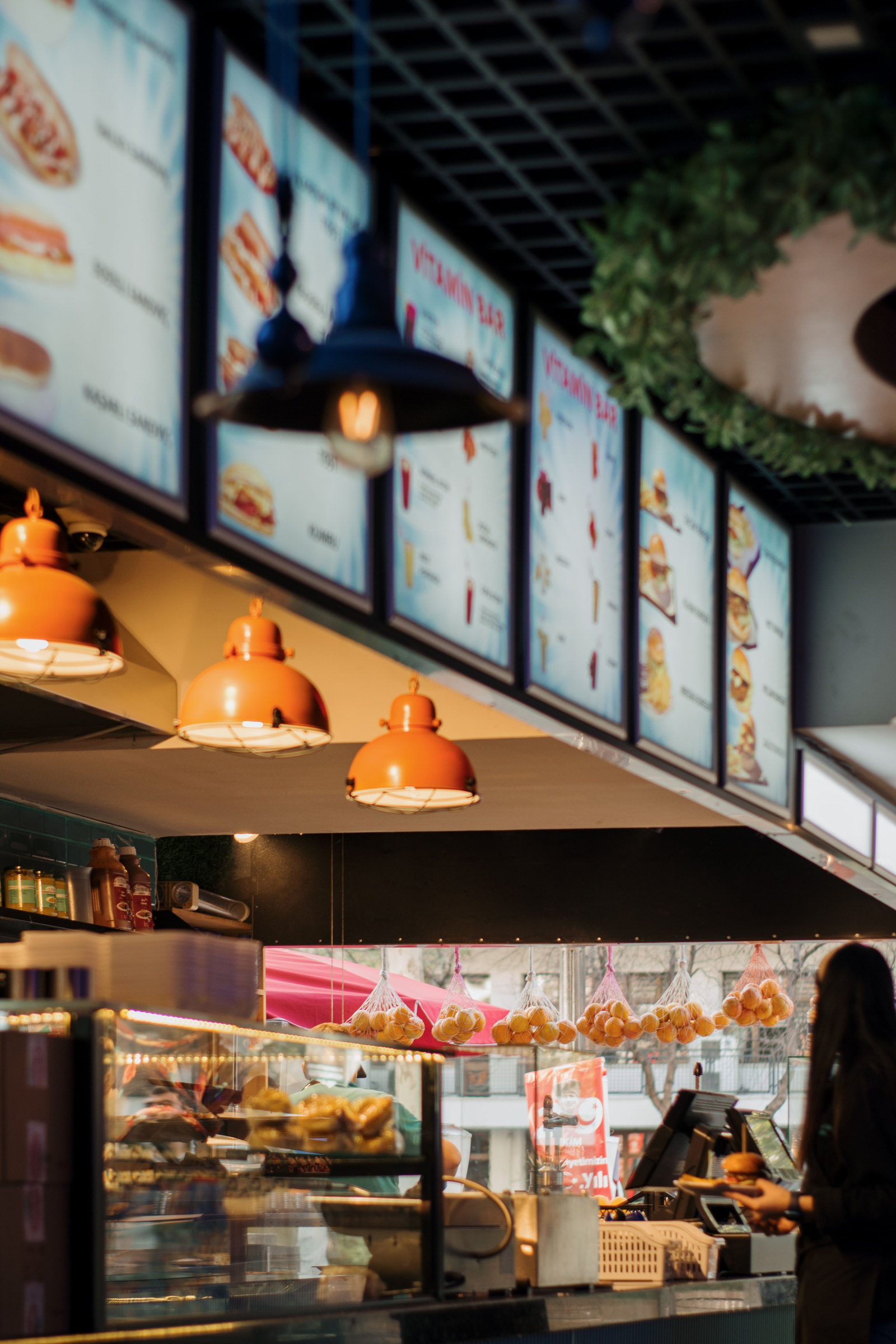
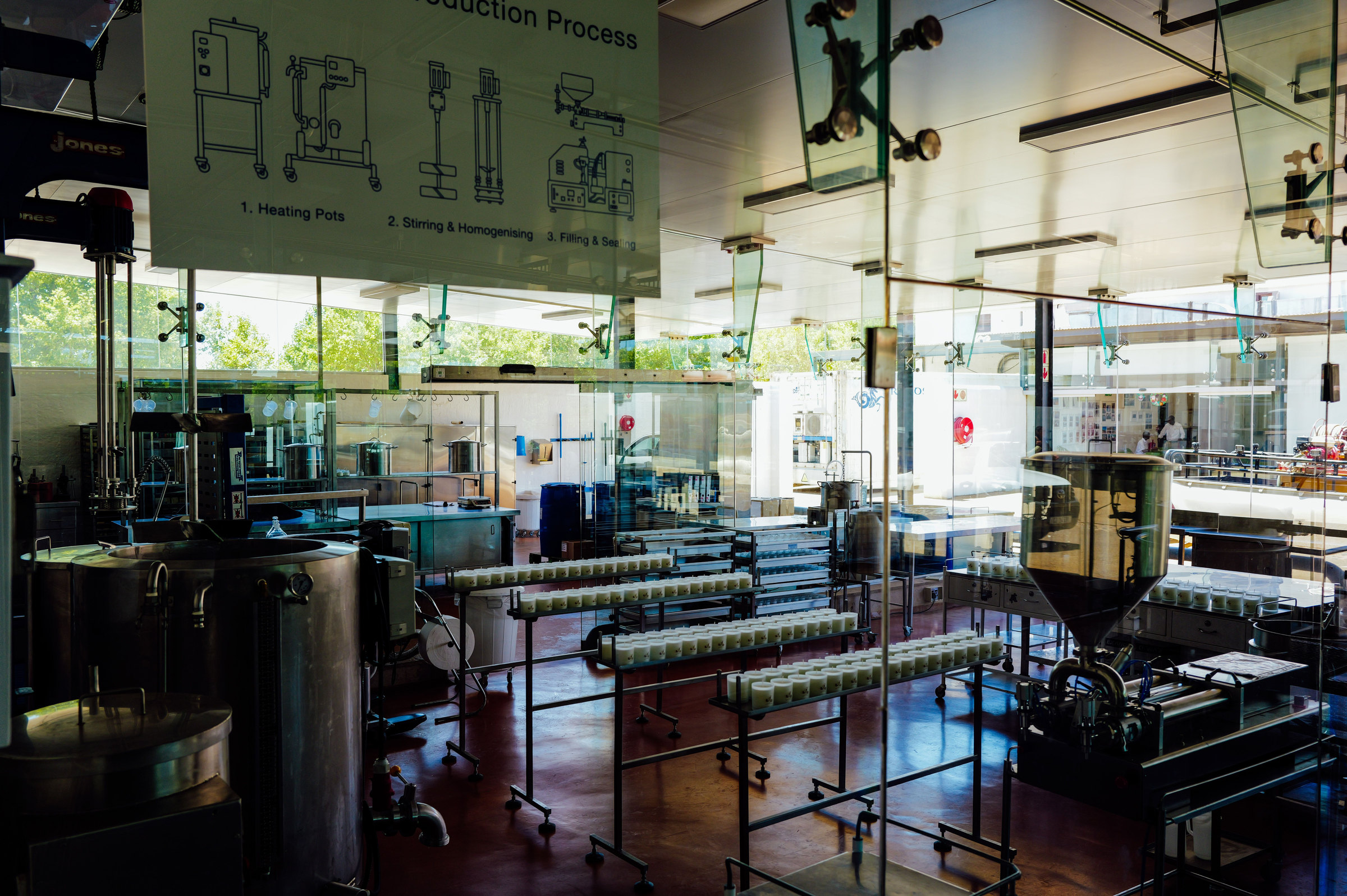
  • Publish changes to your screens when you are ready
  • Pair new screens with a simple on-screen code
  • Live online / offline status and alerts
Cafe MenuLive
Today’s special
Right on screen
Edit
Digital menu board
Cafe Sydney
ONLINEOFFLINE
Lobby Display
One digital
experience
Preview
Plated food
Melbourne HQ
ONLINEOFFLINE
Reception
Powerful
Solution
Perth Office
Factory Floor
Shift update
Line 3
Factory
Brisbane Plant
ONLINEOFFLINE

One platform for every screen

Create content, manage every screen, schedule campaigns and publish to your displays — all from one simple platform.

Core Features

Everything you need to create, manage and publish

Real tools from the DigiCloud247 console — from designing content to checking what is live on every screen, plus the admin side for plans, licences and resellers.

Monitor
Dashboard showing online screens, offline screens, storage usage and screen licences

Centralized dashboard

Online and offline screens, storage usage and screen licences at a glance, plus a “Needs attention” list and recent alerts.
Manage
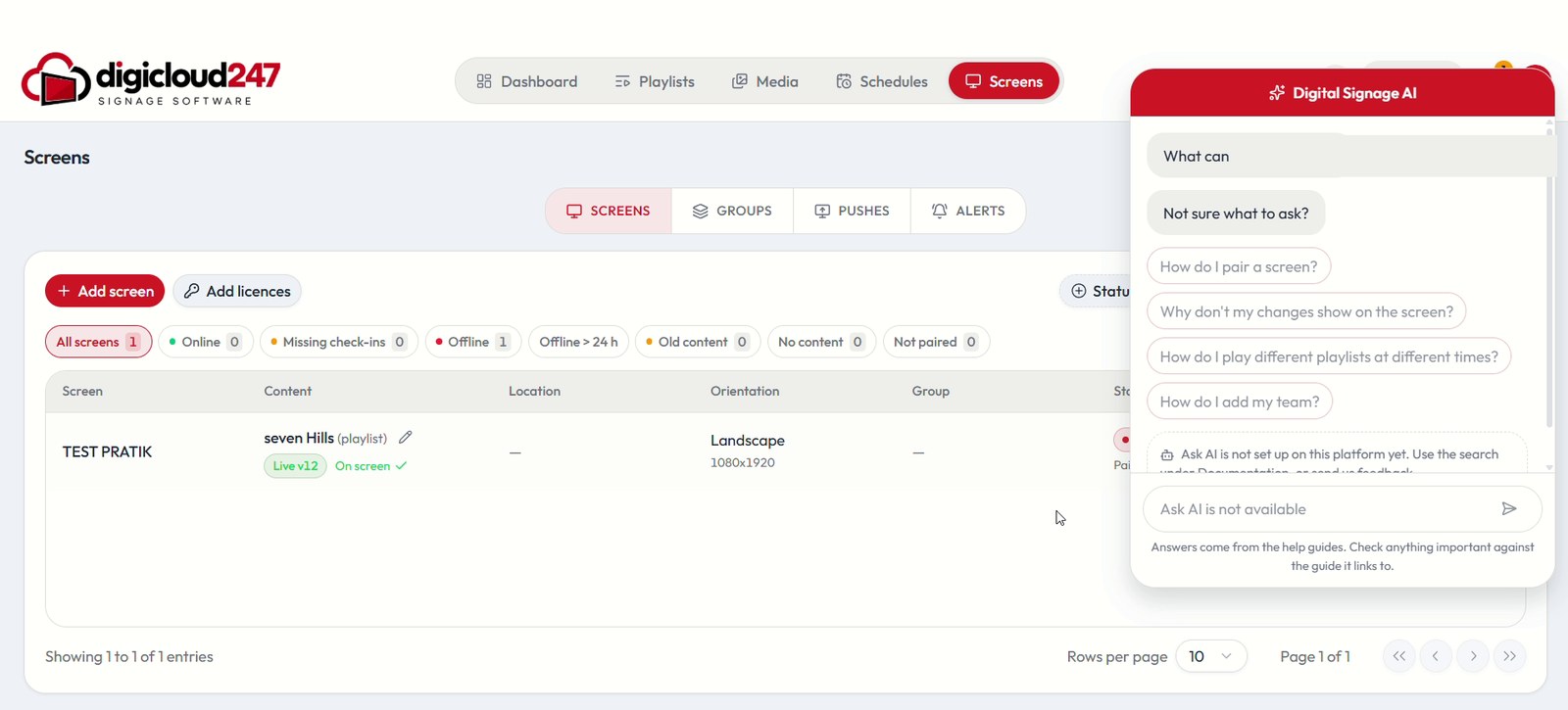
Screens page with status filters and a table of screens

Screen management

Screens, Groups, Pushes and Alerts in one place — filter by online, missing check-ins, offline, old content, no content or not paired.

Monitor
Dashboard with storage usage and screen licences

Licences & storage

See how much storage you have used (for example 43 MB of 500 GB) and how many screen licences are in use, and add licences straight from the dashboard.

Create
Media library showing uploaded images and videos

Media library

Upload images and videos, keep them in folders, mark favourites, filter by type and pull in stock content — with drag-and-drop upload.
Create
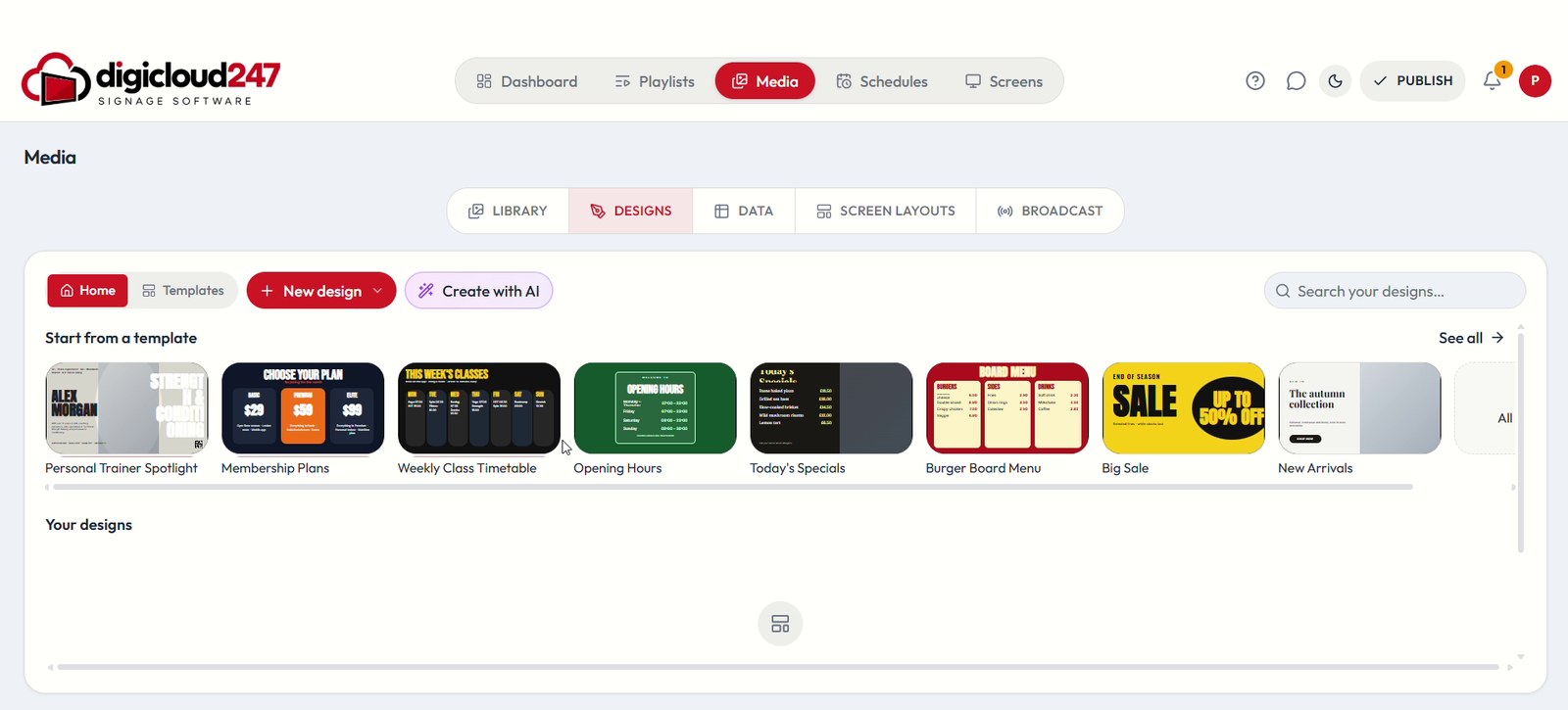
Designs tab with a template gallery

Templates & designs

Start from a template — menus, opening hours, timetables, sales — or begin a blank landscape or portrait design.

Create
Create with AI button in the Designs tab

Create with AI

Describe a screen in words from the Designs tab and let AI draft it, then refine it before it goes live. Available by plan.
Create
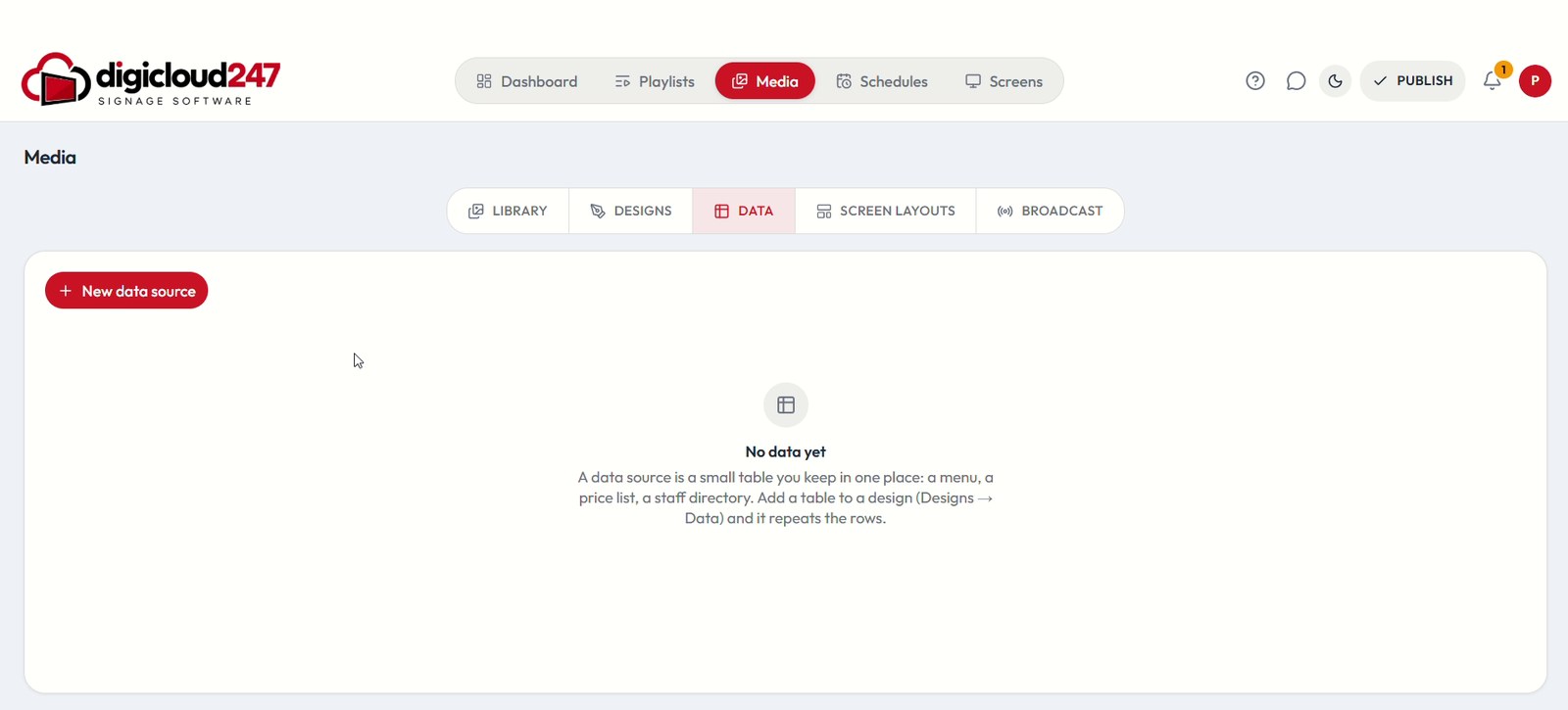
Data sources tab with a New data source button

Data sources

Keep a menu, price list or staff directory in one small table, add it to a design and let it repeat the rows for you.
Build
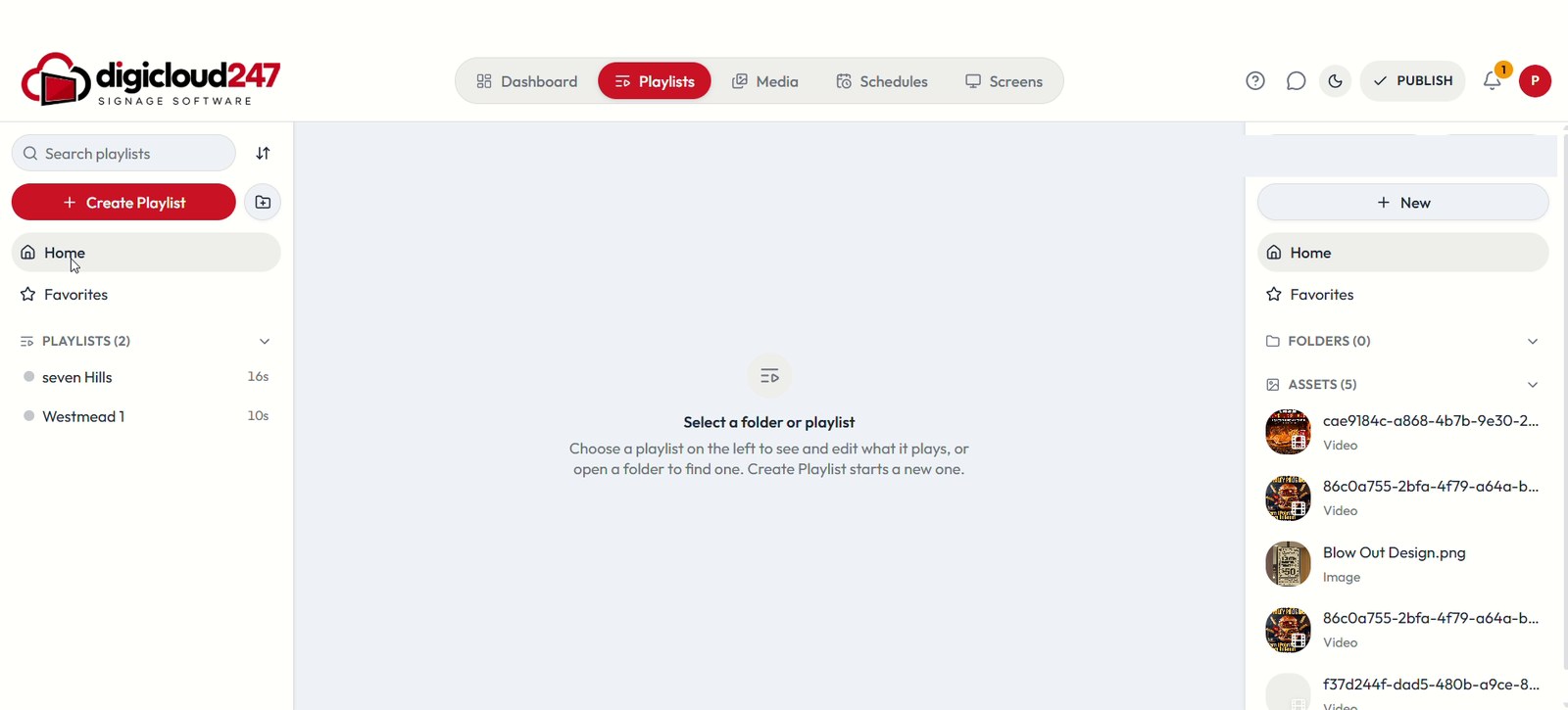
Playlists page with folders, favourites and assets

Playlists & folders

Create playlists, organise them in folders and favourites, and keep landscape and portrait playlists apart.
Build
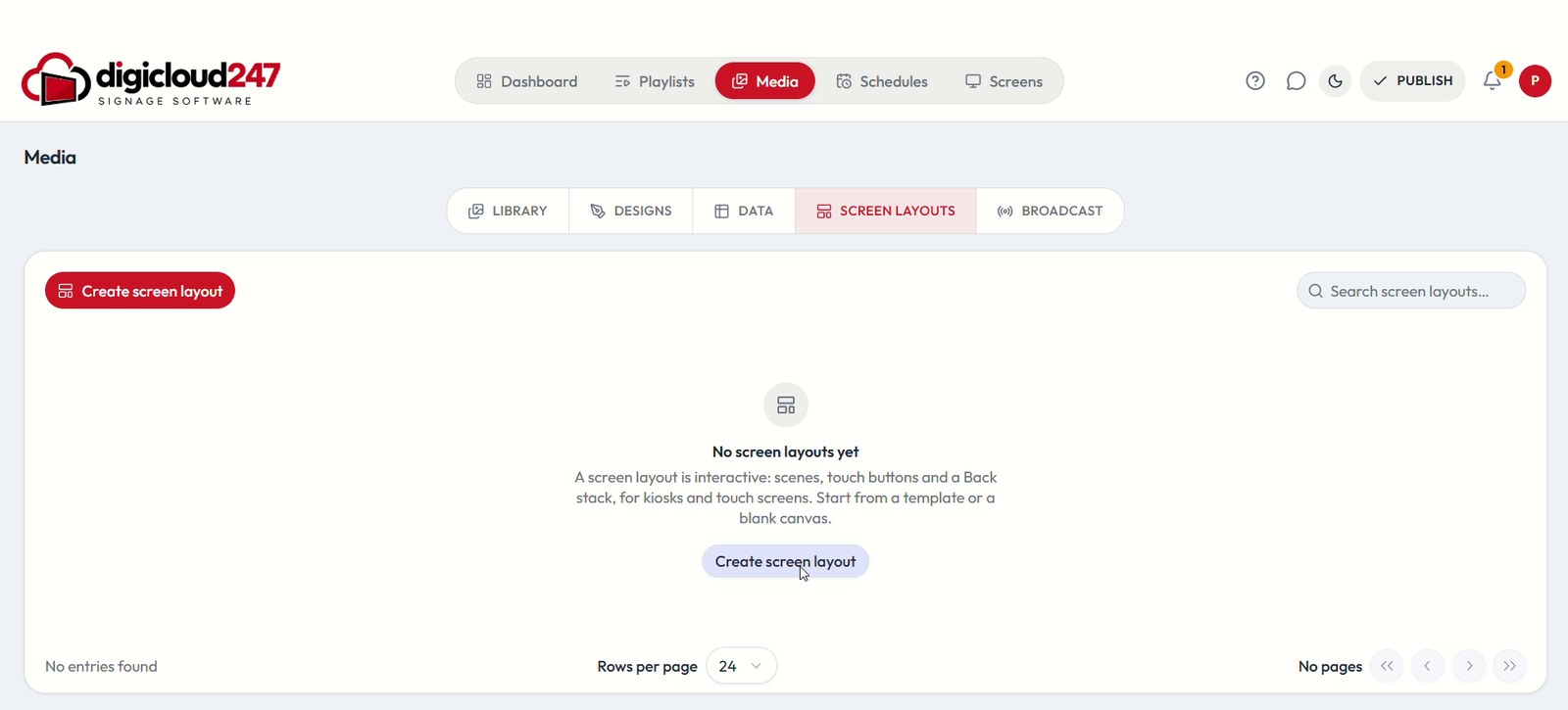
Screen layouts tab for kiosks and touch screens

Screen layouts

Design interactive layouts with scenes and touch buttons for kiosks and touch screens — from a template or a blank canvas.
Schedule
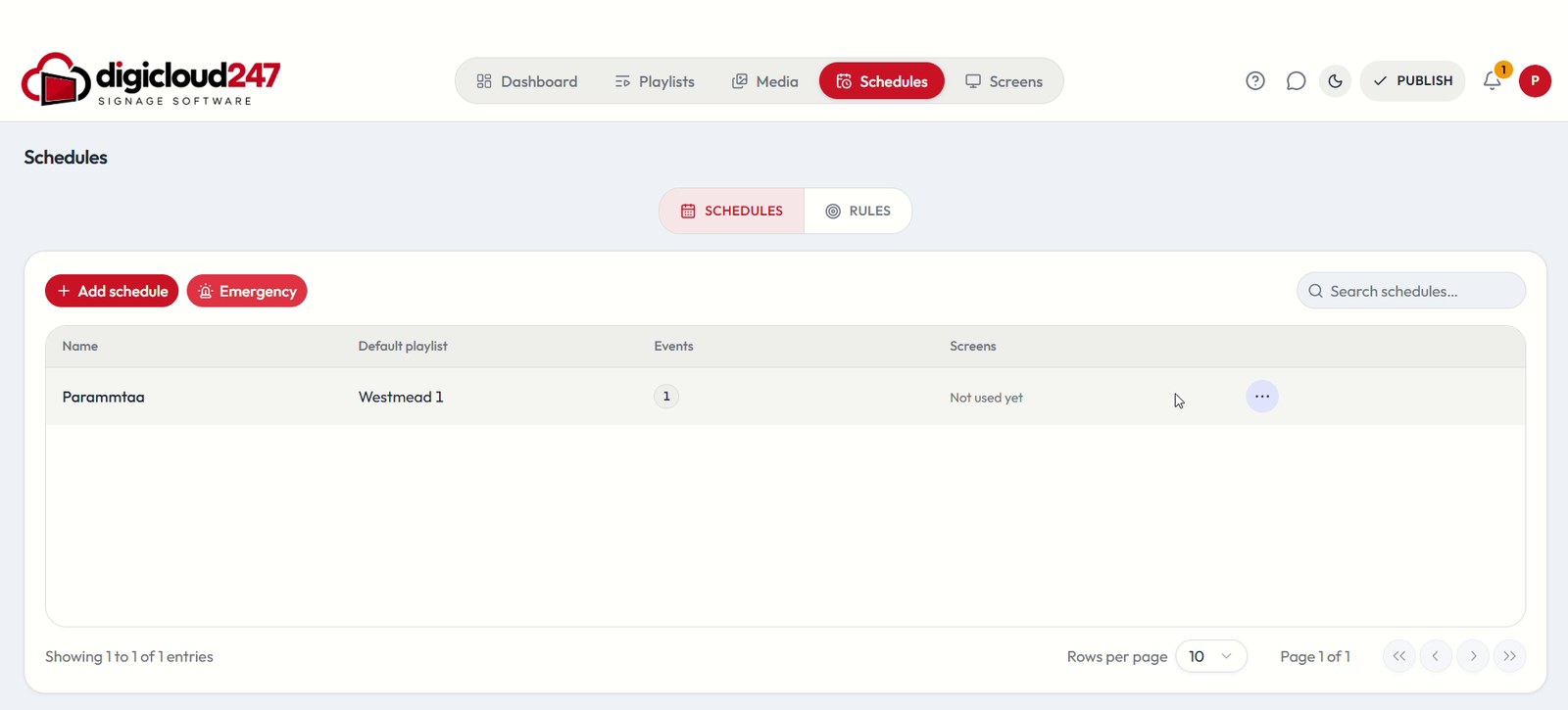
Schedules page with Add schedule

Schedules

A timetable screens can play: a default playlist plus events on a calendar. Add a schedule in a few clicks.
Schedule
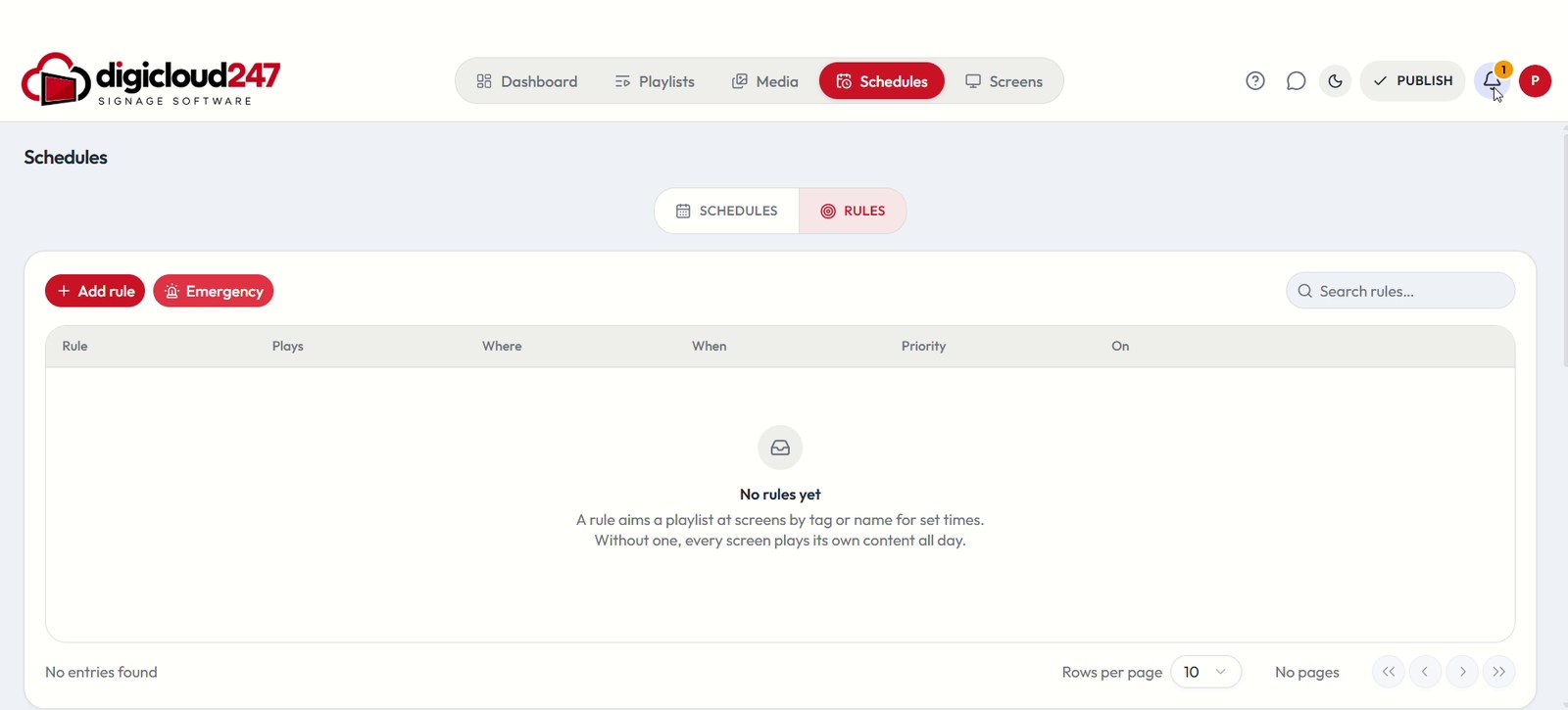
Rules tab with the Emergency button

Emergency & rules

An Emergency button sits next to Add schedule, and Rules aim a playlist at screens by tag or name for set times.
Publish
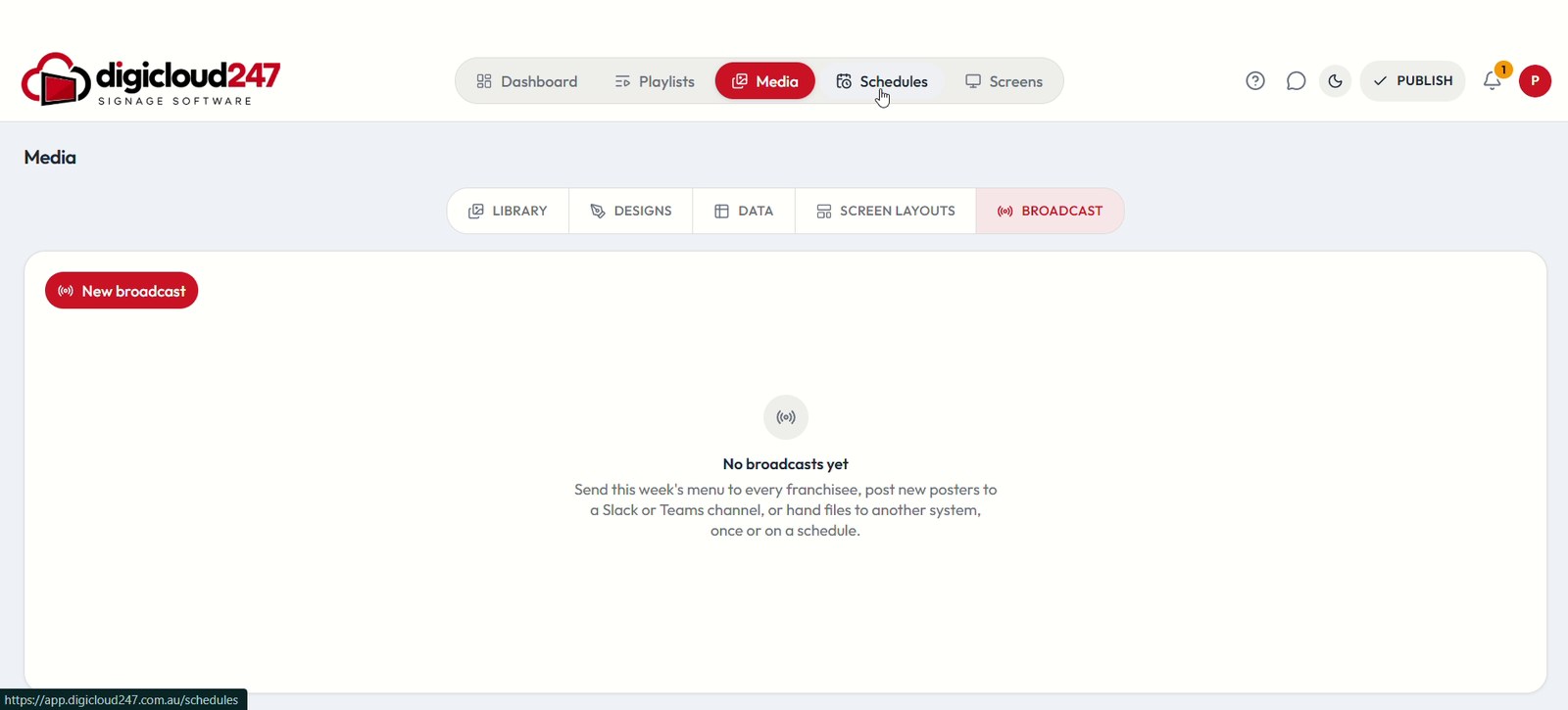
Broadcast tab with a New broadcast button

Broadcast

Send this week’s menu to every franchisee, post new posters to a Slack or Teams channel, or hand files to another system — once or on a schedule.

Support
Digital Signage AI chat open next to the Screens page

Digital Signage AI help

An in-app assistant answers “How do I pair a screen?” and similar questions from the help guides, next to a full Help centre.
Admin
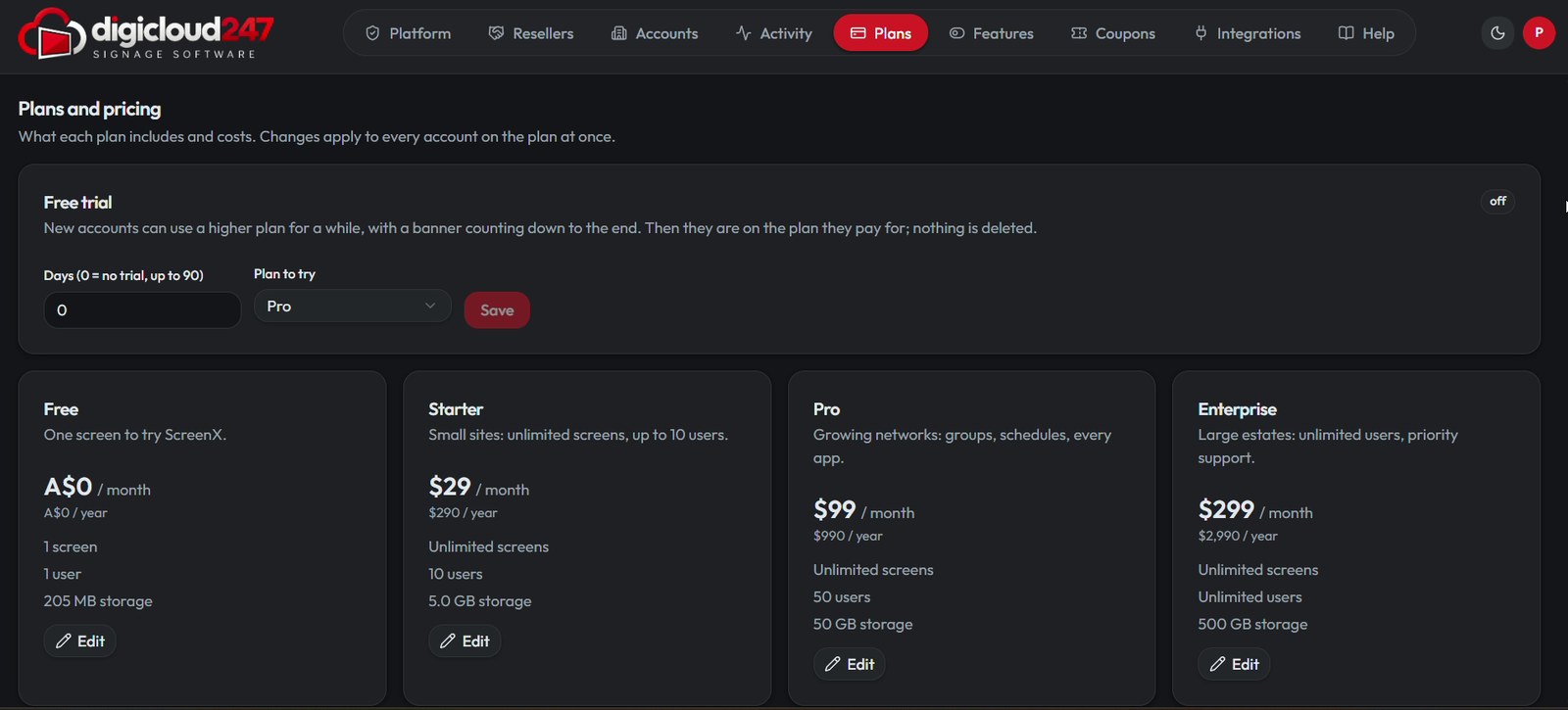
Plans and pricing in the admin console

Plans & feature access

Free, Starter, Pro and Enterprise plans with limits — and a per-plan switch for every app, module and capability.
Admin
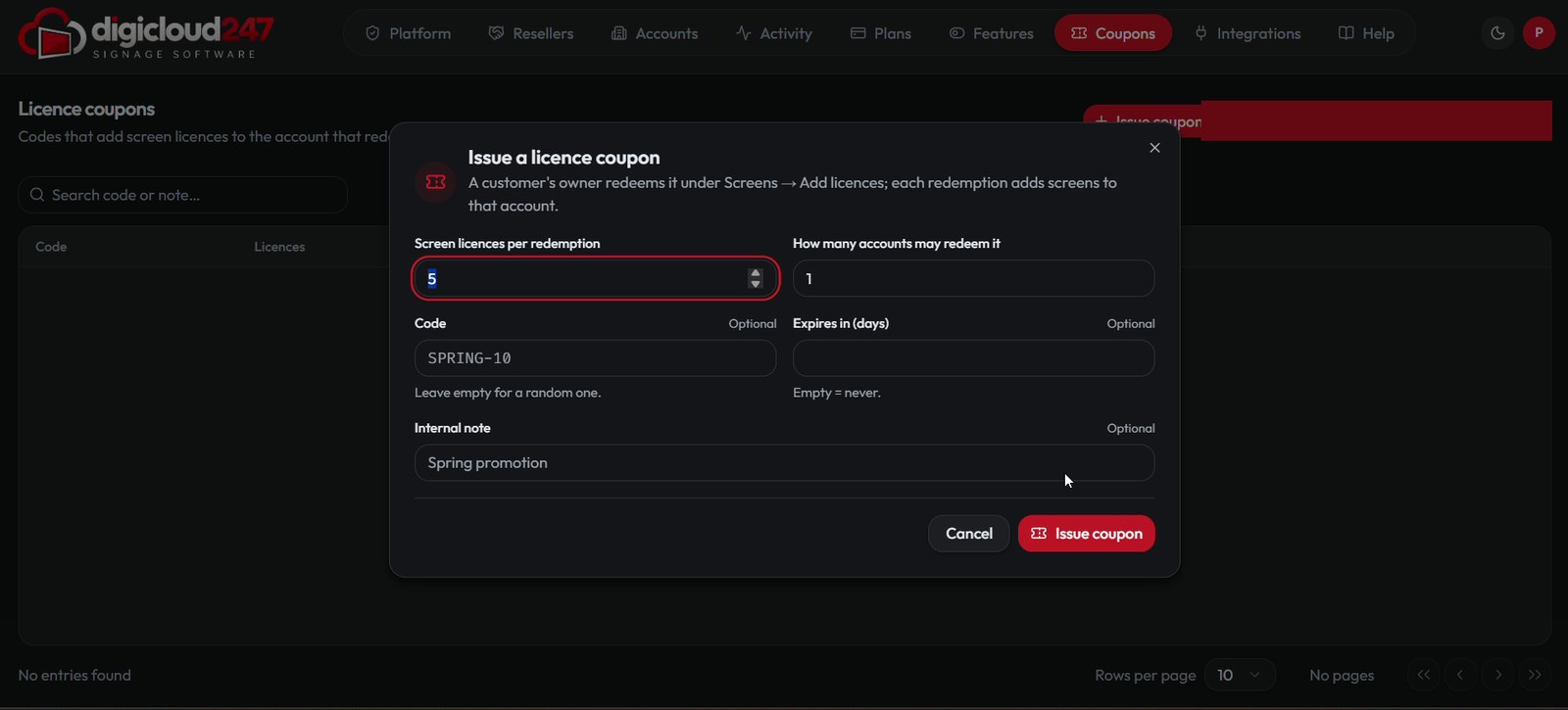
Issue a licence coupon dialog

Licence coupons

Issue a code that adds screen licences to the account that redeems it — set licences per redemption, redemptions and expiry.
Admin
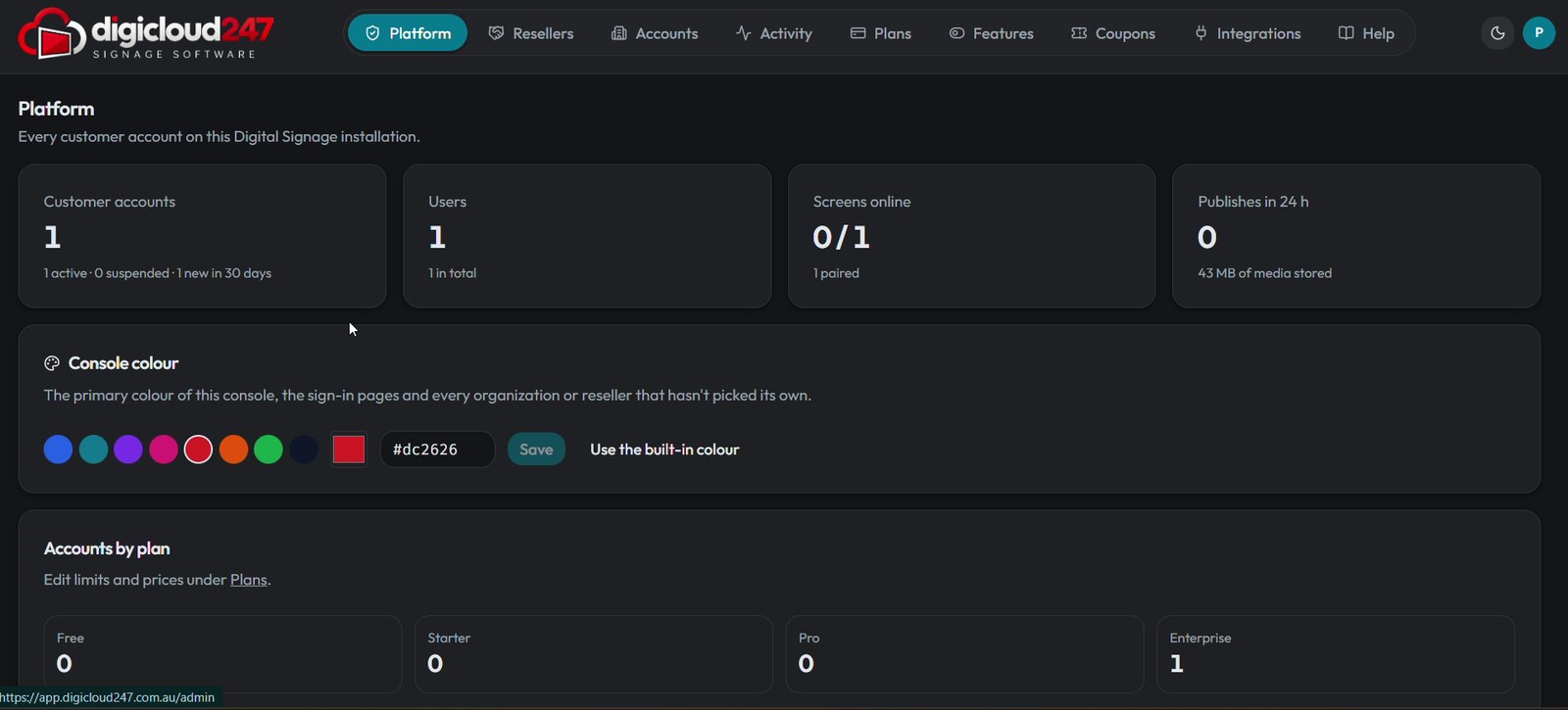
Console colour picker in the admin console

Console colour & resellers

Set the console colour for the console and sign-in pages, and sell through resellers on Silver, Gold or Platinum plans.

Platform

One platform for content, screens and schedules

Manage Your Content

Upload and organise images and videos in one media library — with folders, favourites, type filters and drag-and-drop upload.

  • Drop files anywhere on the page to upload
  • Folders, favourites and a type filter keep content easy to find
  • Storage usage shown right in the library
DigiCloud247 · Media
Media library with uploaded images and videos, folders and favourites

Every Screen.
Under Your Control.

Add screens, group them and see their status — online, missing check-ins, offline, old content or no content.

  • Screens, Groups, Pushes and Alerts tabs
  • Filter by status and spot problems quickly
  • See which playlist is live on each screen
DigiCloud247 · Screens
Screens page with status filters and screen table

Design in Minutes.
Not Hours.

Pick a ready-made template, start a blank design, or use Create with AI — in landscape or portrait.

  • Templates for menus, opening hours, timetables, sales and more
  • Start from scratch with New design
  • Create with AI from the Designs tab
DigiCloud247 · Designs
Designs tab with templates and Create with AI

Send It Everywhere.
Once or On a Schedule.

Broadcast pushes this week’s menu or new posters to every franchisee, a Slack or Teams channel, or another system.

  • New broadcast in one click
  • Once or on a schedule
  • Keep a menu or price list in a data source and reuse it
DigiCloud247 · Broadcast
Broadcast tab with a New broadcast button

Show the Right Content.
At the Right Time.

Create schedules that play different playlists at different times — and aim playlists at screens with rules.

  • Schedules and Rules in one place
  • Default playlist plus timed events
  • An Emergency button for urgent messages
DigiCloud247 · Schedules
Schedules page
Promotions

Offers that stop people in their tracks

Put your best deal on the screen at the right time — a 50% OFF pizza lunch special, a morning coffee offer, a weekend sale — and swap it out in seconds.

A hand pulling a slice of pepperoni pizza from the tray
Slice StreetRestaurants
Hot deal
50%OFF

Large pizzas, half price

Today only · 12–3 PM · dine-in & takeaway

Cappuccino with latte art seen from above
Daily GrindCafés
Morning rush
2 for 1

Buy one, get one free

Every latte, 7–11 AM · weekdays

Colourful clothes on hangers in a shop window
NorthlineRetail
End of season
70%OFF

Up to 70% off the new-season edit

In store this weekend only

Man training with dumbbells in a bright gym
Peak GymFitness
New members
1stmonth free

Join before Sunday

No joining fee · all classes included

Sample screen designs for illustration. Replace the photos in assets/images/ads/ with your own.

Industries

Built for every industry

Retail, restaurants, offices, hospitals, campuses and more — DigiCloud247 fits wherever a screen can inform, guide or sell.

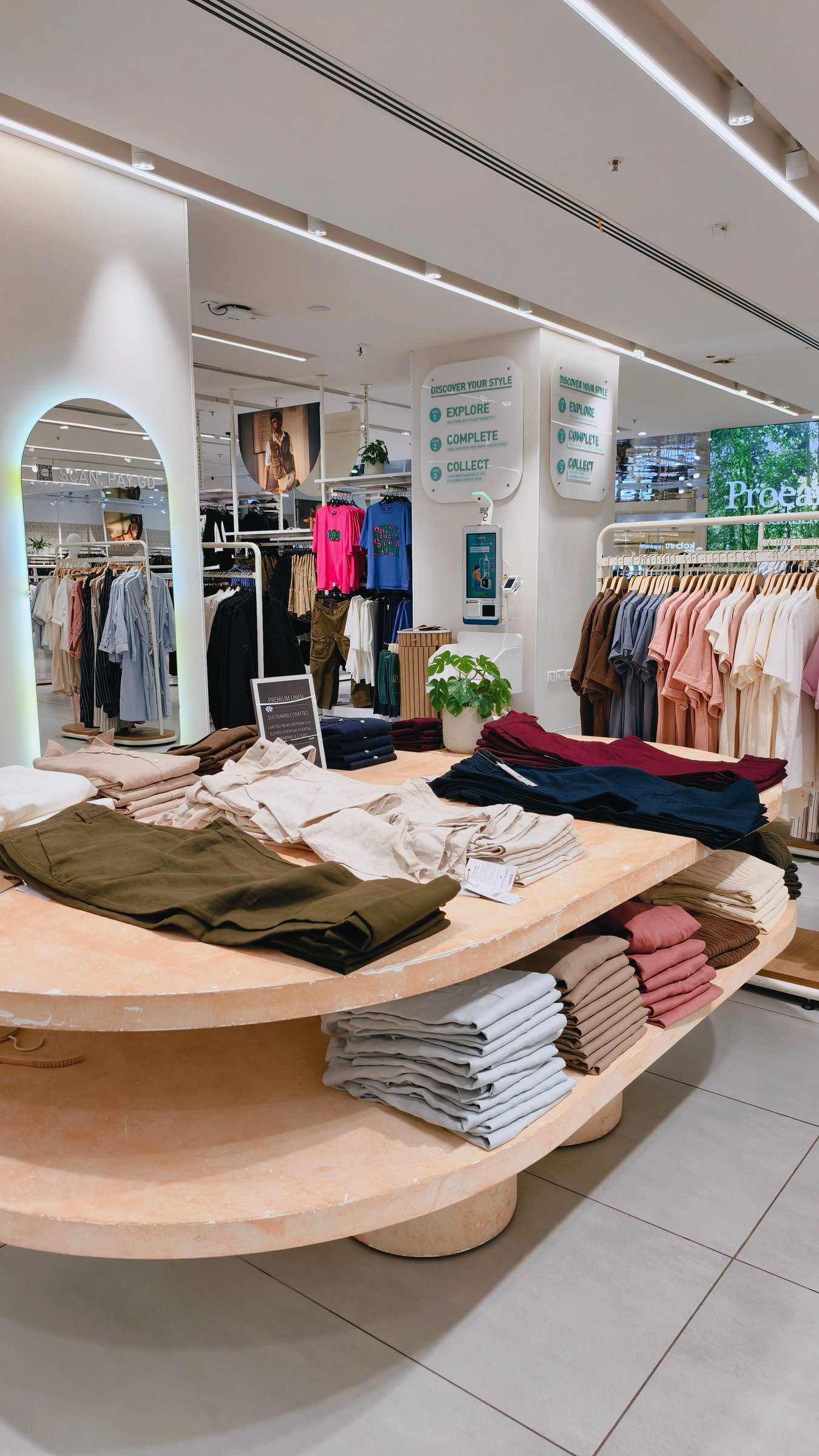
Retail store with a large digital display
01 / 08

Retail

Promote offers, launches and campaigns on in-store displays and update every location at once.

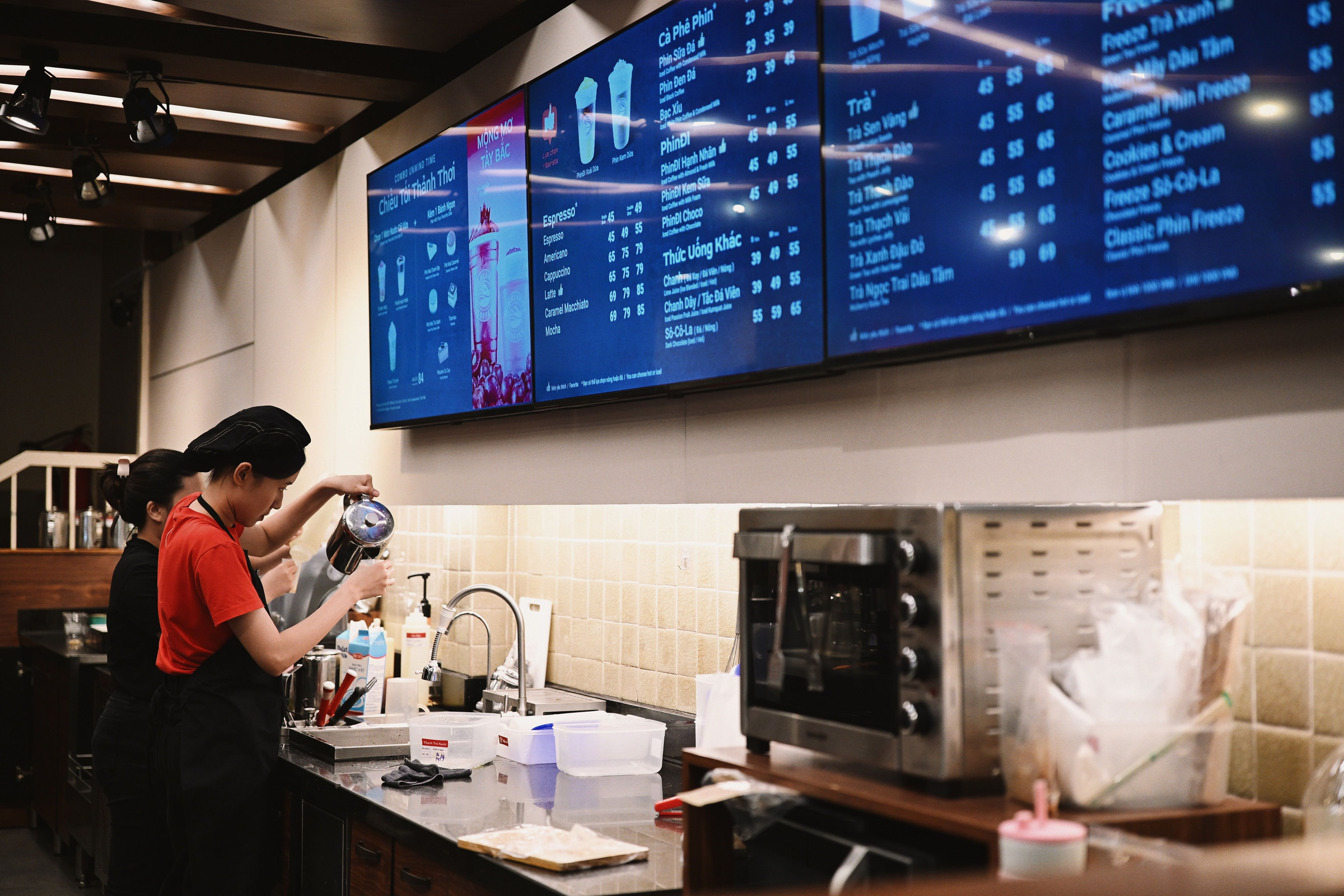
Restaurant with digital menu boards
02 / 08

Restaurants

Keep digital menu boards fresh with daily specials, combos and time-based menus.

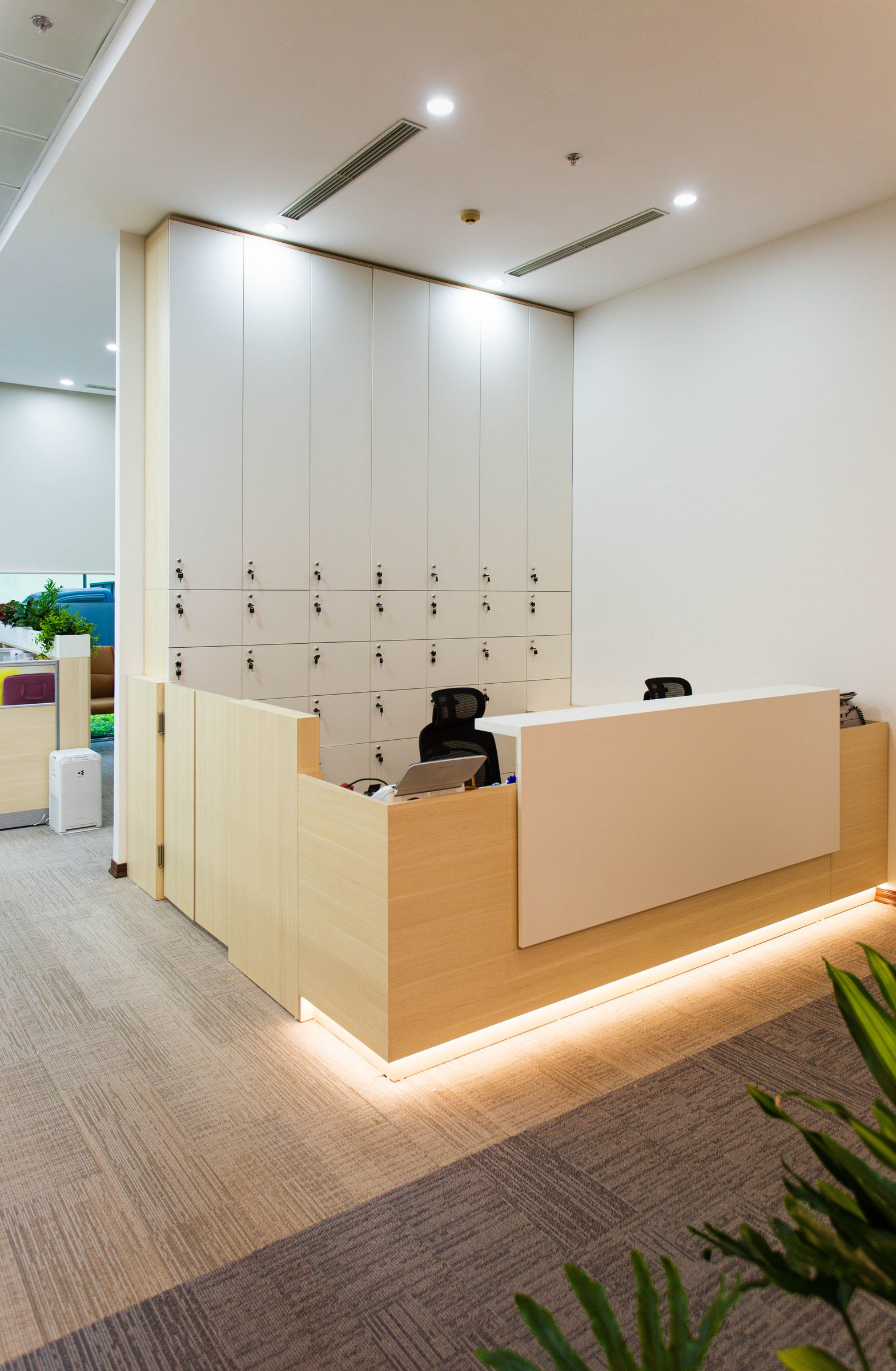
Corporate reception with information display
03 / 08

Corporate Offices

Welcome visitors, share announcements and keep teams informed from reception and common areas.
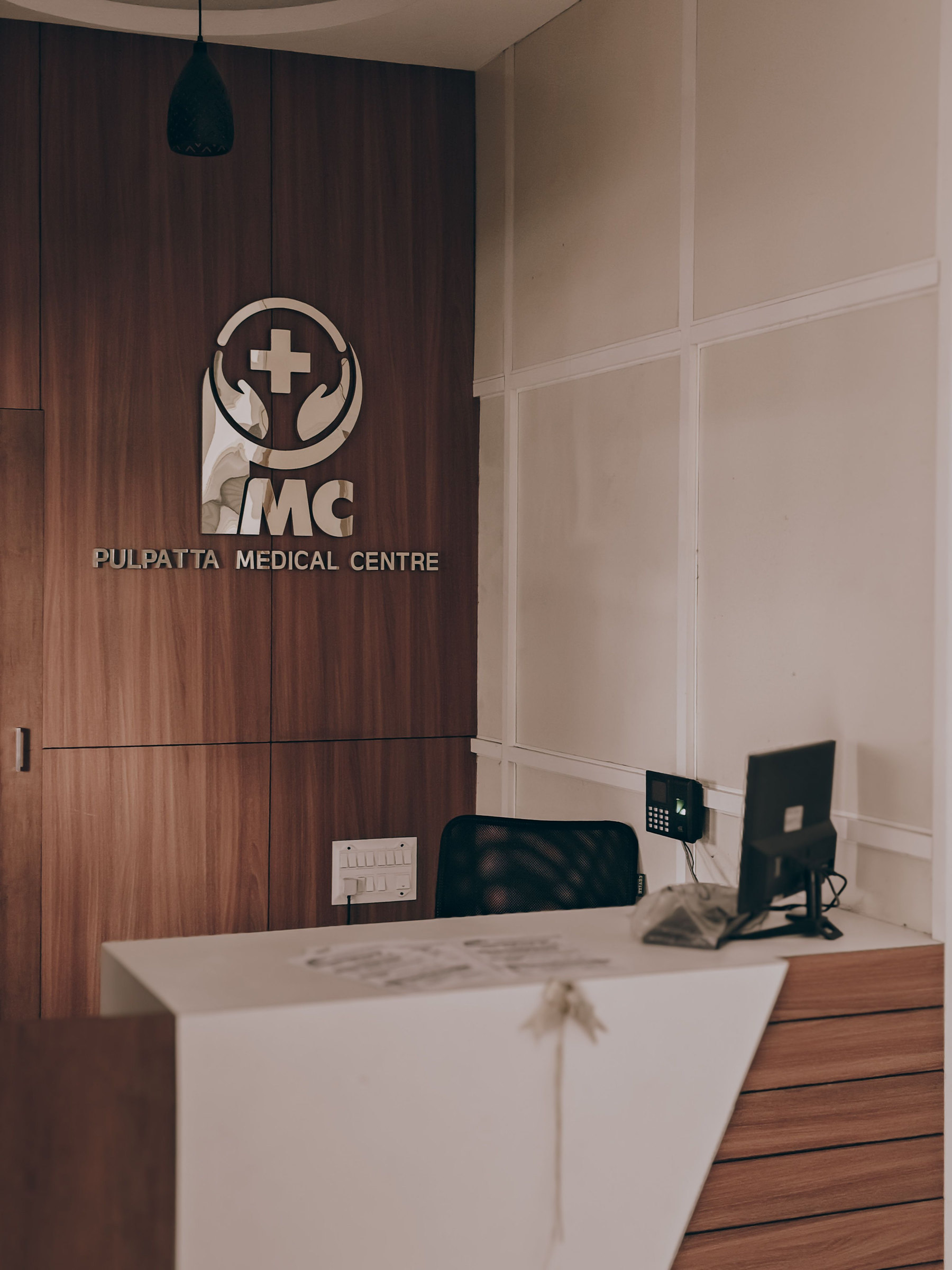
Hospital reception with digital signage
04 / 08

Healthcare

Guide patients with calm, clear information in waiting rooms and reception areas.
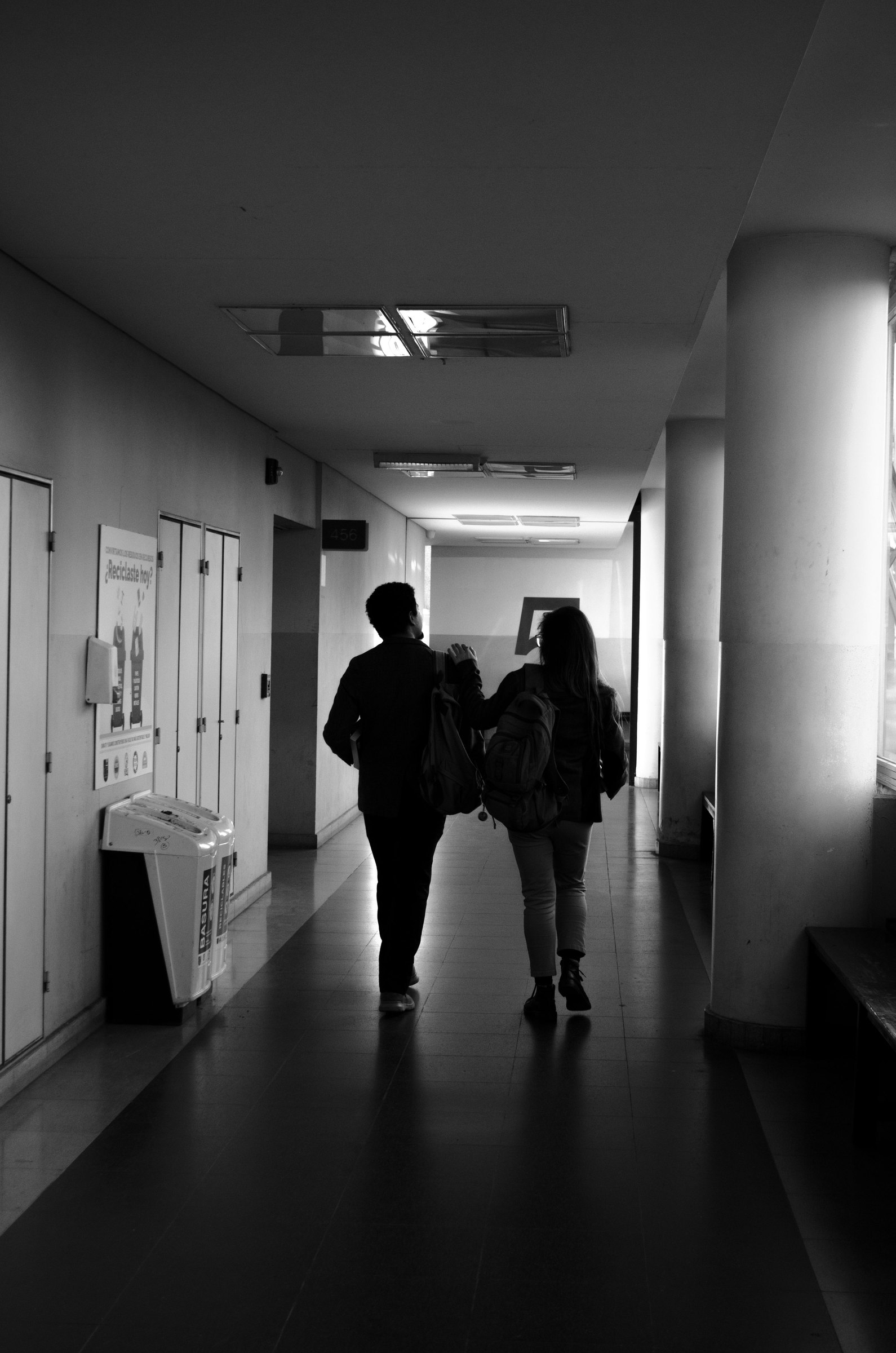
Campus corridor with information screens
05 / 08

Education

Share timetables, notices and campus news on screens across classrooms and corridors.

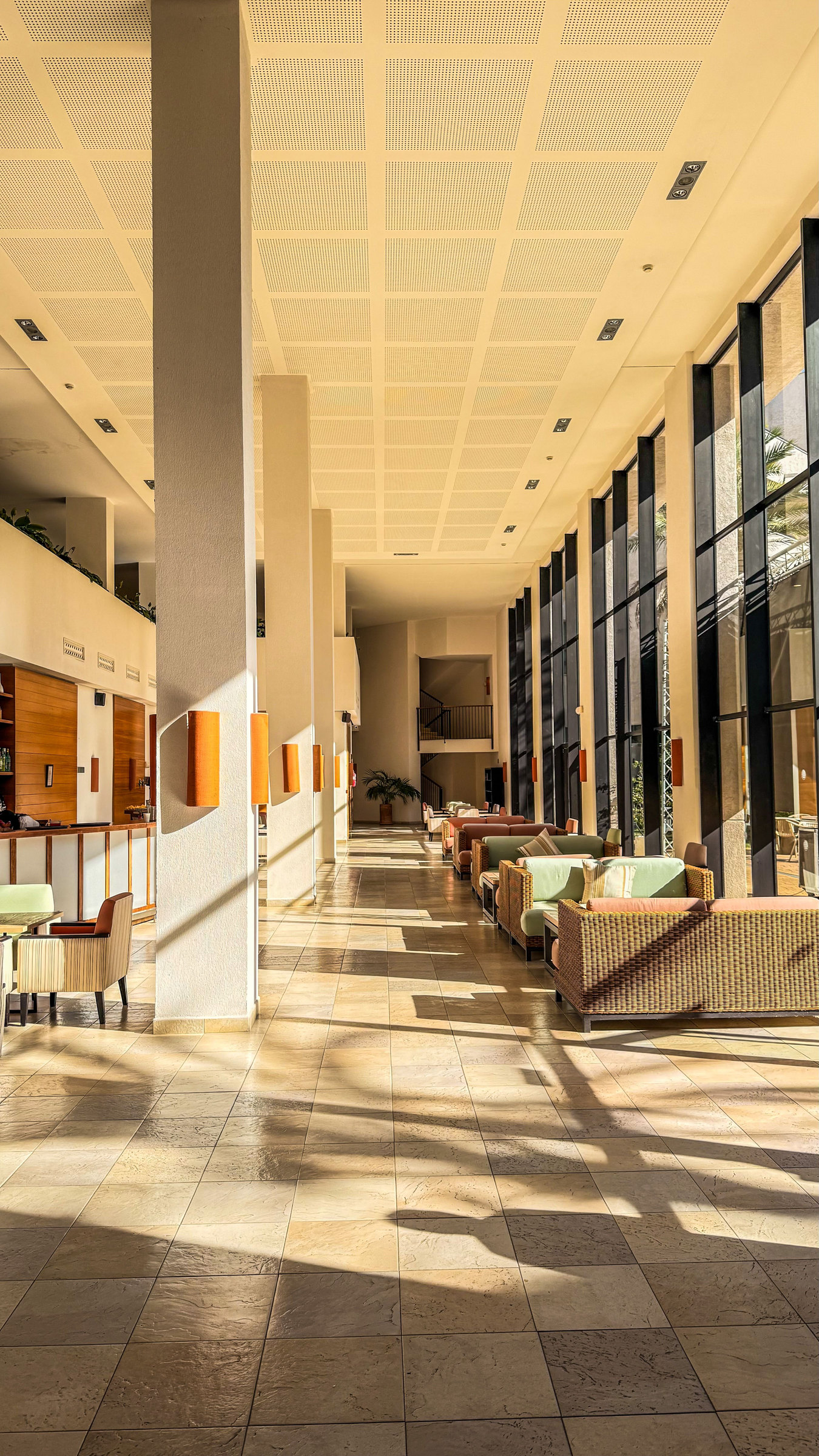
Hotel lobby with a digital display
06 / 08

Hospitality

Present events, offers and wayfinding in lobbies, lounges and guest areas.

Factory floor with a status display
07 / 08

Manufacturing

Show shift updates, safety reminders and production status right on the factory floor.
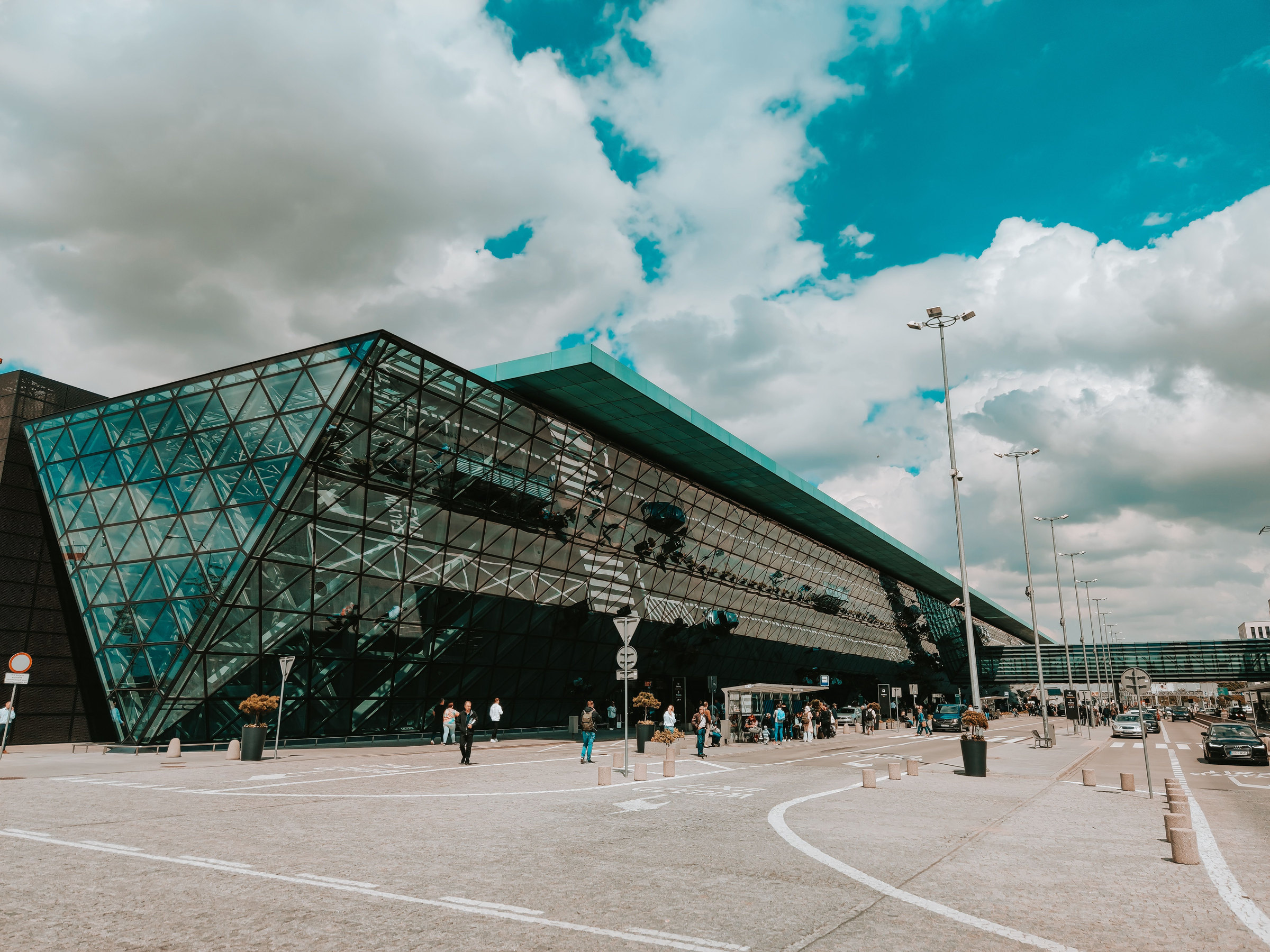
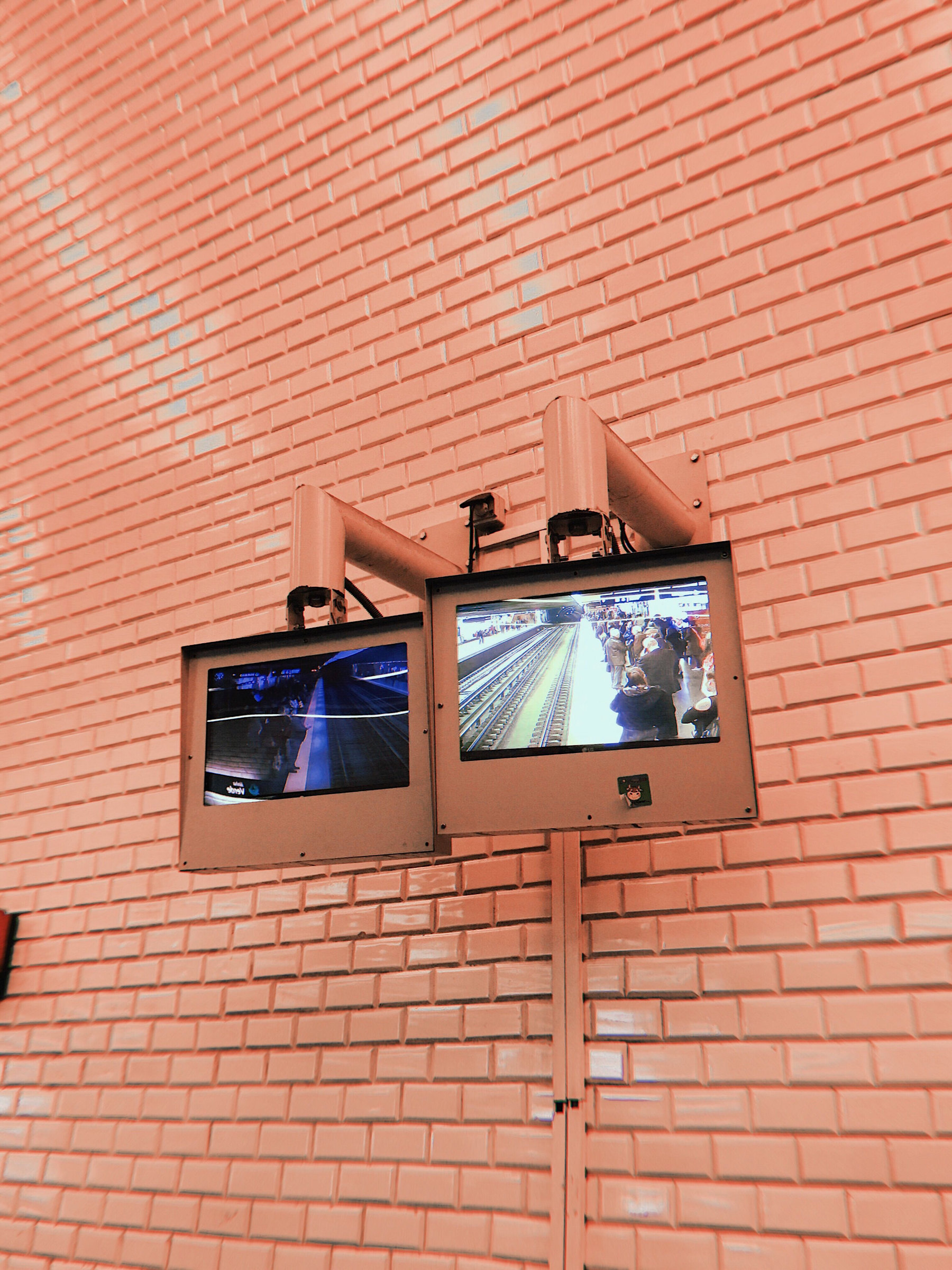
Train station with information display screens
08 / 08

Public Spaces

Display schedules, alerts and wayfinding information in stations and public venues.

Process

From first upload to live screen in five steps

DigiCloud247 · Add screen
Screens page with Add screen and Add licences
DigiCloud247 · Media library
Media library
DigiCloud247 · Playlists
Playlists page
DigiCloud247 · Schedules
Schedules page
DigiCloud247 · Dashboard
Dashboard with Publish button and screen status
Product

See DigiCloud247 in Action

Real screens from the console — pick a tab to explore.

DigiCloud247 · Dashboard

Built for business

Built to Keep Your Digital Screens Working Smarter.

From a single display to multiple locations, DigiCloud247 gives teams the tools to manage content, schedules and screens from one centralized platform.

  • One place for every locationStop updating screens one by one.
  • Schedules that run themselvesPlan once, publish automatically.
  • Know what every screen is doingLive status for the whole network.
Pricing

Plans that grow with your screens.

Start free with one screen, then move up as your network grows. Every plan includes the same simple console — limits and apps unlock by plan.

Free
A$0 / month

One screen to try it out.

  • 1 screen
  • 1 user
  • 205 MB storage
Start Free
Starter
A$29 / month

Small sites — unlimited screens, up to 10 users.

  • Unlimited screens
  • 10 users
  • 5 GB storage
  • A$290 billed yearly
Get Started
Enterprise
A$299 / month

Large estates — unlimited users, priority support.

  • Unlimited screens
  • Unlimited users
  • 500 GB storage
  • A$2,990 billed yearly
Talk to Sales

Prices in AUD, per month. Plan limits are the platform defaults and can be adjusted by the platform operator.

Frequently Asked Questions

Got Questions?
We’ve Got Answers.

DigiCloud247 is a cloud digital signage platform. You upload or design content, build playlists, schedule them and publish to every screen — whatever its shape — from one console.

Any screen you can add and pair in the Screens tab. Each screen shows its status, orientation (landscape or portrait) and what is live on it. Ask our team which players are supported for your hardware.

No. The workflow is simple: upload or design content, arrange it into a playlist, choose screens and a time, then publish. The in-app Digital Signage AI assistant and Help centre cover the rest.

Yes. Screens in any location are managed from one platform — group them, send a Broadcast to many franchisees at once, and update content without visiting the site.

Your content and screen information live inside your own account. Operators see an activity log of every change made to customer accounts, and third-party API keys are stored encrypted. Contact our team for details on security and access controls.

Yes. In the Designs tab you can start from a ready-made template, begin a blank landscape or portrait design, or use Create with AI. You can also upload your own images and videos to the media library.

Yes — Canva is one of the integrations, available from the Starter plan. Each customer connects their own Canva account from Settings → Integrations.

The operator console supports resellers. Silver, Gold and Platinum reseller plans set how many organisations, screen licences and how much storage a reseller can give out, and the console colour applies to the console and sign-in pages. Get in touch to discuss reseller options.

Ready to Take Control of Your Screens?

Manage your digital signage smarter with DigiCloud247.